Imagine you buy a new laptop. The seller asks a simple question: Do you want an x86 system or an x64 system? Many people feel confused at this moment. Both terms sound technical, yet they are common in the world of computers.
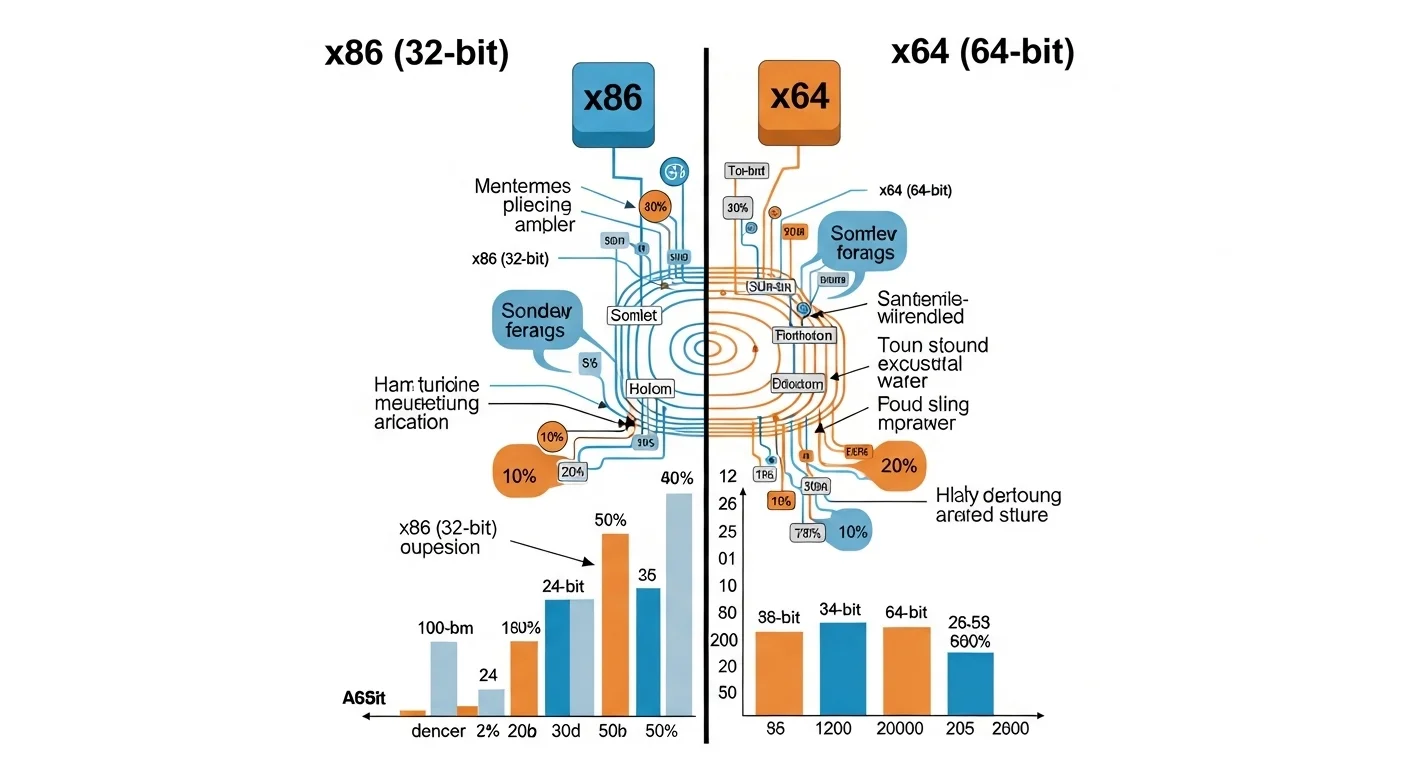
The difference between x86 and x64 is mainly about how a computer processor works and how much memory it can use. In simple words, x86 usually refers to a 32-bit system, while x64 refers to a 64-bit system.
Today, most modern computers use x64 because it is faster and supports more memory. Still, many programs and older machines use x86. Understanding the difference between x86 and x64 helps users choose the right software and hardware.
When we clearly know the difference between x86 and x64, we can install the correct operating system, run the right applications, and improve computer performance.
Key Difference Between the Both
The main difference between x86 and x64 lies in data processing ability and memory support.
- x86 architecture works with 32-bit data.
- x64 architecture works with 64-bit data, which means it can handle more information at the same time.
Why Their Difference Is Important for Learners and Experts
Knowing the difference between x86 and x64 is important for students, developers, and everyday users.
First, learners understand how computers process data. This knowledge builds a strong base in computer science.
Second, experts such as software developers must choose the right architecture when building programs. A program made for x64 may not run on x86 systems.
Third, businesses depend on fast and stable computers. The right architecture helps systems run smoothly and manage large data.
In modern society, computers power education, banking, healthcare, and communication. Understanding the difference between x86 and x64 helps people use technology wisely and efficiently.
Pronunciation
x86
- US: eks eighty-six
- UK: eks eighty-six
x64
- US: eks sixty-four
- UK: eks sixty-four
These small numbers hide a big technological change. To understand it clearly, let us explore the difference between x86 and x64 in detail.
10 Differences Between x86 and x64
1. Data Processing Size
- x86: Works with 32-bit data.
🔴 Example: An old office computer uses an x86 processor.
🔴 Example: A 32-bit operating system runs on x86 architecture. - x64: Works with 64-bit data.
🟣 Example: A modern gaming PC uses x64 architecture.
🟣 Example: Most new laptops run 64-bit operating systems.
Example sentence: The main difference between x86 and x64 is the amount of data they process at one time.
2. Memory Support
- x86: Supports up to about 4 GB RAM.
🔴 Example: A basic school computer may use 4 GB RAM on x86.
🔴 Example: Old systems slow down when memory needs increase. - x64: Supports much more RAM (over 4 GB).
🟣 Example: Graphic design computers often use 16 GB RAM with x64.
🟣 Example: Servers may use 64 GB or more memory.
Example sentence: x64 systems support larger memory than x86 systems.
3. Performance Speed
- x86: Good for light tasks.
🔴 Example: Writing documents.
🔴 Example: Simple browsing. - x64: Better for heavy tasks.
🟣 Example: Video editing software.
🟣 Example: Modern 3D games.
Example sentence: Many users choose x64 for faster performance.
4. Software Compatibility
- x86: Runs older 32-bit programs easily.
🔴 Example: Old accounting software.
🔴 Example: Legacy office tools. - x64: Runs both 64-bit and many 32-bit programs.
🟣 Example: Modern design tools.
🟣 Example: New operating systems.
Example sentence: x64 offers broader compatibility with modern software.
5. System Architecture Age
- x86: Older architecture design.
🔴 Example: Early personal computers.
🔴 Example: Legacy systems in offices. - x64: Modern architecture.
🟣 Example: New laptops and servers.
🟣 Example: Gaming computers.
Example sentence: x64 is the newer form of processor architecture.
6. Security Features
- x86: Basic security.
🔴 Example: Older antivirus systems.
🔴 Example: Limited memory protection. - x64: Stronger security features.
🟣 Example: Advanced memory protection.
🟣 Example: Secure operating systems.
Example sentence: x64 processors often support stronger security tools.
7. Operating System Support
- x86: Supports 32-bit operating systems.
🔴 Example: Older Windows systems.
🔴 Example: Some lightweight Linux versions. - x64: Supports 64-bit operating systems.
🟣 Example: Modern Windows versions.
🟣 Example: Latest Linux distributions.
Example sentence: Many modern operating systems prefer x64 architecture.
8. Application Development
- x86: Suitable for small applications.
🔴 Example: Basic office tools.
🔴 Example: Lightweight utilities. - x64: Used for advanced applications.
🟣 Example: Artificial intelligence programs.
🟣 Example: High-performance software.
Example sentence: Developers often choose x64 for complex software.
9. Hardware Requirements
- x86: Works on simpler hardware.
🔴 Example: Older processors.
🔴 Example: Low-power machines. - x64: Requires modern processors.
🟣 Example: New Intel or AMD chips.
🟣 Example: High-performance workstations.
Example sentence: x64 systems usually run on modern hardware.
10. Future Use
- x86: Slowly becoming less common.
🔴 Example: Used mainly in old systems.
🔴 Example: Found in legacy software environments. - x64: Dominates modern computing.
🟣 Example: Cloud servers.
🟣 Example: Modern laptops and desktops.
Example sentence: The future of computing mostly belongs to x64.
Nature and Behaviour of Both
x86
This architecture is simple and reliable. It works well for basic computing tasks. Many older systems still depend on it.
x64
This architecture is powerful and modern. It handles complex tasks and large data efficiently.
Why People Get Confused About Their Use
People often confuse x86 and x64 because both names look technical. The numbers also seem unrelated to 32-bit and 64-bit systems. Many users do not realize that x86 usually means 32-bit architecture.
Table: Difference and Similarity
| Feature | x86 | x64 | Similarity |
| Bit architecture | 32-bit | 64-bit | Both are processor architectures |
| Memory limit | About 4 GB | Much higher | Both manage RAM |
| Speed | Moderate | Faster | Both run software |
| Age | Older | Newer | Both used in computers |
| Usage | Basic tasks | Heavy tasks | Both support operating systems |
Which Is Better in What Situation?
x86 works well for older computers and simple tasks. If a system has low RAM or old software, x86 can still perform well. Small offices and simple machines sometimes use it.
x64 is better for modern computing. It handles large memory, heavy programs, and complex applications. Gaming, programming, and data processing often require x64 systems.
How the Keywords Are Used in Metaphors and Similes
🟣 The old computer moved like an x86 engine trying to pull a heavy train.
🟣 The new workstation worked like an x64 rocket handling huge data.
Connotative Meaning
x86
Neutral meaning related to older or basic technology.
Example: The office still uses x86 machines for simple tasks.
x64
Positive meaning related to power and modern computing.
Example: The company upgraded to x64 systems for better speed.
Idioms or Proverbs Related to Technology Context
🟣 “Upgrade or fall behind.”
Example: Companies moved from x86 to x64 to stay competitive.
🟣 “Work smarter, not harder.”
Example: x64 systems help computers process more data efficiently.
Works in Literature Mentioning the Keywords
🟣 “Code: The Hidden Language of Computer Hardware and Software” — Technology nonfiction, Charles Petzold, 1999
🟣 “The Innovators” — Technology history, Walter Isaacson, 2014
Movies Related to Computer Technology
🟣 The Social Network — 2010, USA
🟣 Hackers — 1995, USA
🟣 Jobs — 2013, USA
Frequently Asked Questions
1. What is the main difference between x86 and x64?
The main difference is that x86 uses 32-bit processing while x64 uses 64-bit processing.
2. Can x64 run x86 programs?
Yes, most x64 systems can run many x86 programs.
3. Which is faster?
x64 is usually faster because it processes more data at once.
4. Do modern computers use x86?
Most modern computers use x64 instead of x86.
5. Should I install 32-bit or 64-bit software?
If your computer supports it, choose 64-bit software.
How Both Are Useful for Our Surroundings
Both architectures help society run digital systems. Schools, banks, hospitals, and offices rely on computers. Older x86 systems still support many small tasks, while modern x64 machines power advanced technology, research, and communication.
Final Words for Both
x86 played a major role in the early growth of personal computers. x64 expanded that power to support modern computing needs.
Conclusion
Understanding the difference between x86 and x64 helps people make better technology choices. The two architectures represent different stages in computer development. x86 systems work with 32-bit data and support smaller memory. They are common in older computers and basic tasks. x64 systems work with 64-bit data and support much larger memory. They are faster and better for modern applications. Today, most computers use x64 because technology demands higher performance. Still, both architectures remain important in computing history and practice. By learning the difference between x86 and x64, users, students, and professionals can install the right software, improve performance, and understand computer systems more clearly.

Hi! I am Arshad Ullah presently working as linguist in Punjab Education Department. I have done MA in English Literature while M.Phil in Applied Linguistics. I have taught creative writing to the post graduation classes for 15 years. Presently I am working as content writer, and offering classes for blog writing.